Free AI APIs for Developers and Small Businesses
A Free AI API lets you tap into powerful AI models without building them from scratch. It's basically a way for your app to send prompts to a pre-trained AI model and get responses — whether that’s text, images, summaries, translations, or even jokes (yep, really). Instead of spending years and a fortune training your own system, you can just send a simple request and get magic back in milliseconds.
Even better? Most providers offer a free tier. That means you get a number of API calls or tokens at no charge, which is perfect for side projects, MVPs, or just tinkering with cool ideas on a lazy Sunday. AI APIs have become essential tools for developers, hobbyists, and startups alike — not just because they’re advanced, but because they’re actually accessible.
Shoutout to treblle.com too — if you’re working with APIs at all, they’re worth checking out for monitoring and analytics.
Why Free AI APIs Matter for Developers and Startups
For small developers and startups, cost is a big barrier when diving into AI. Building and hosting your own language model? Not cheap. Keeping up with the hardware it needs? Even worse.
That’s where free AI APIs come in and save the day. They flip the entire equation. Now, instead of needing a research lab and 40 engineers, you can plug into something like Hugging Face or Google Gemini and start generating results right away. No complicated setup, no GPU clusters — just a key, a few lines of code, and you’re live.
💡 Use case idea: Let’s say you’re building a customer support chatbot for your e-commerce app. Instead of writing a bunch of rules or scripts, you plug in a Free AI API, feed it a few examples, and boom — a smart assistant that answers customer questions in natural language.
It’s not just chatbots either. You could build:
- AI content assistants
- Email subject line testers
- Product description generators
- Sentiment analysis dashboards
- Image editors with Stable Diffusion
- Code snippet explainers for dev tools
The possibilities are kind of endless.
Top Free AI API Options (Seriously Good Ones)
In 2025, there are so many options, but here are a few that really stand out for developers and small teams:
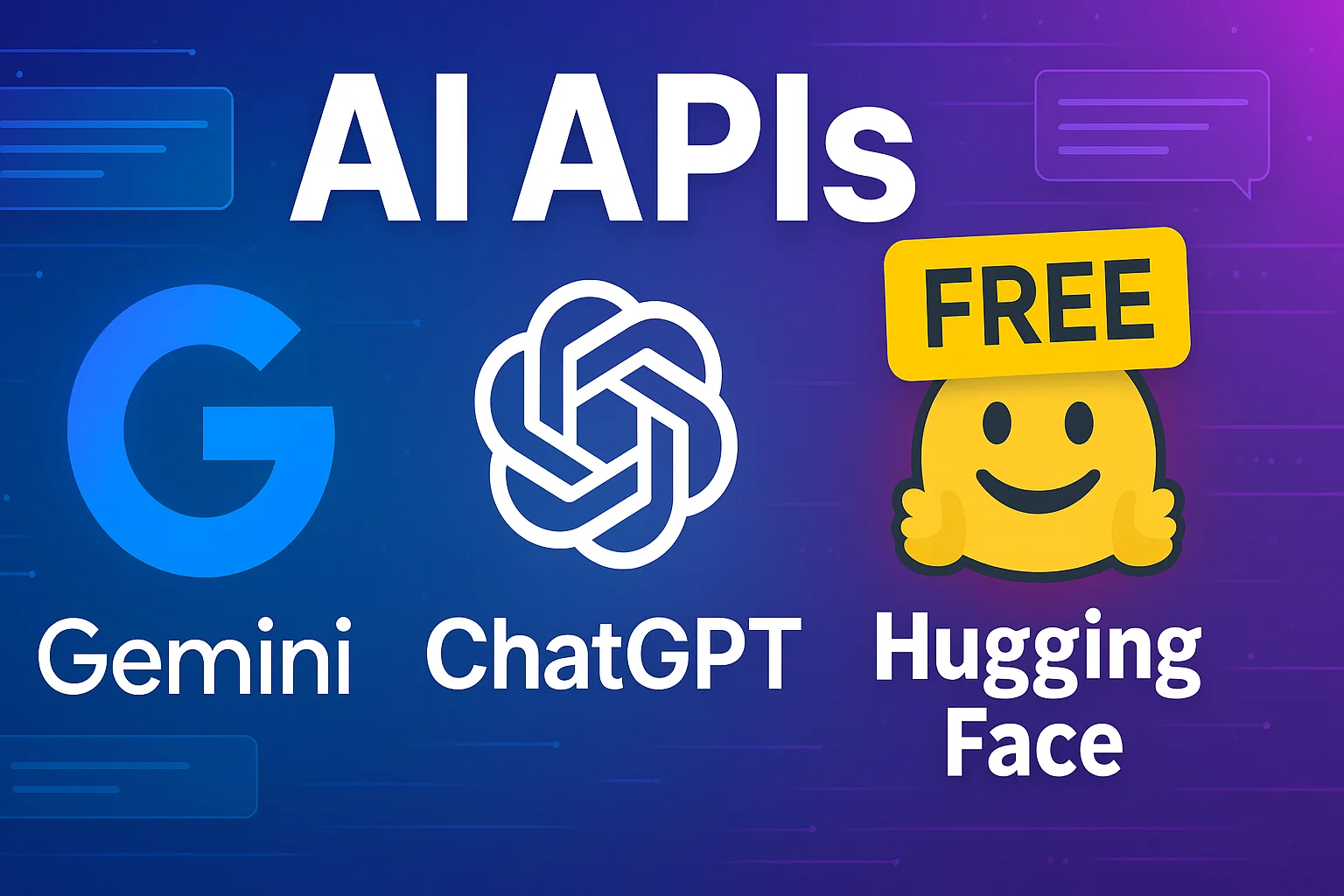
- 🧠 Google AI Studio (Gemini): Google’s answer to OpenAI, the Gemini models are fast, multilingual, and surprisingly generous on the free tier. You can get a key in minutes and start playing with Gemini 1.5 Flash, which has a crazy 1 million token context. Translation: it remembers a lot, which is great for big docs or complex chats. 🔗 Try Gemini here.
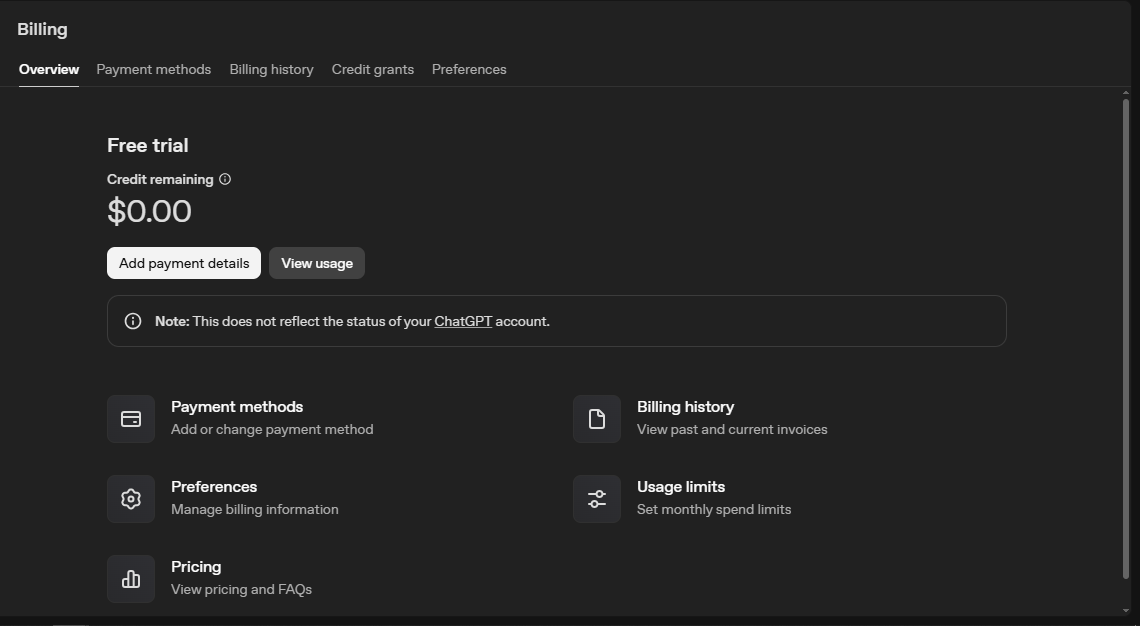
- 🤖 OpenAI API (ChatGPT): Still the king of text generation. You get access to models like GPT-3.5 and even some GPT-4 models for free Trial, depending on the pricing tier. Even on the free tier, you can do a lot — from generating content to summarizing emails to brainstorming names. Plus, OpenAI’s docs are super clean, and their playground makes testing things easy before writing any code.
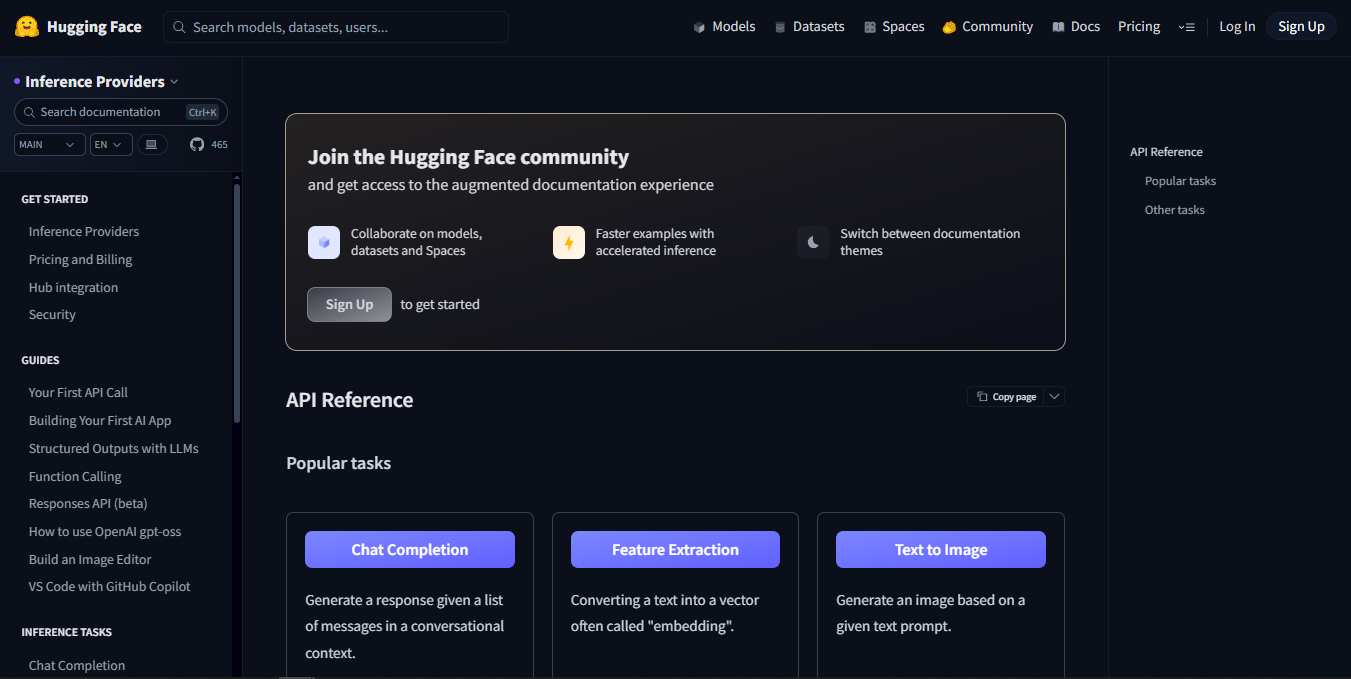
- 🧪 Hugging Face Inference API: Think of this as the GitHub of AI models. Hugging Face has thousands of pre-trained models for everything from text to audio to computer vision. Want to run a sentiment analysis on a bunch of tweets? They got a model for that. Need to translate English to Japanese? Covered. And yes, you can use many of their models for free via the Inference API. Bonus: it’s perfect for niche use cases.
- 🛜 OpenRouter: This one’s cool — it lets you send one request to multiple models and compare outputs. Like… you can test Claude vs GPT vs Llama with the same prompt and see who does it better. Great for devs who want to optimize outputs or test quality quickly. New users even get some free credits to try things out, and the API is straightforward.
- 🧩 Puter.js: This one flips the model completely. Instead of you (the dev) paying for the API usage, your end users pay. You embed the Puter.js library in your front end, and every time someone triggers an AI function, it bills them, not you. Perfect if you’re making an AI-powered widget or a side project that you want to keep free on your end.
- 🎨 Stability AI (Stable Diffusion): For image generation, Stable Diffusion is a beast. You feed it a prompt like “a cat wearing a samurai suit riding a bike at sunset” and… well, it delivers. Stability AI’s platform gives you API access to their models and usually includes a decent free trial or credits. Amazing for product image generation, design tools, or just adding a creative touch to your app.
✨ Others Worth Checking: Cohere – Great for semantic search, embeddings, and NLP stuff. IBM Watson – Old-school but solid. Their speech and assistant APIs are worth a peek. AWS/Azure/GCP – All have free tiers, especially for vision and speech tasks. Definitely poke around if you’re already using their cloud stack.
How to Use a Free AI API (It’s Easier Than You Think)
Let’s break it down step by step — no jargon, promise:
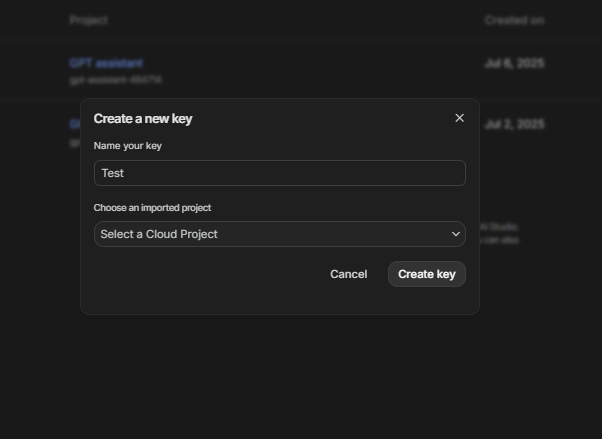
- Sign Up and Get an API Key: Pick your platform (Gemini, OpenAI, Hugging Face) and make an account. Inside your dashboard, you’ll find an API key — basically your secret pass to the service. Treat it like a password.
- Make a Simple API Call: Use Postman, curl, or Python to send your first request. It usually involves: choosing a model, writing a prompt, and setting parameters (like temperature or max tokens). Once you send the request, you’ll get a JSON response.
- Parse and Use the Response: The JSON you get back usually includes the generated text, image link, or result you asked for. You can then display it, store it, or feed it into the next step of your app.
- Monitor Your Usage: Most platforms give you dashboards that show how many tokens or requests you’ve used. Keep an eye on it — it’s easy to burn through a free tier if you’re testing a lot. 💡 Tip: set up alerts or limits in your code so you don’t accidentally go over budget.
Wrapping Up: So, Should You Use a Free AI API?
Short answer: yes. Long answer: absolutely yes.
Free AI APIs let you explore powerful tools without spending a dime. Whether you're building the next big thing or just playing with an idea on a weekend, these platforms lower the barrier and let your creativity run wild.
From Google’s Gemini and OpenAI’s ChatGPT API to Hugging Face and OpenRouter, there’s a tool out there for whatever you're trying to build. The key is to start small, experiment, and scale only when you need to.
So go grab an API key, write your first prompt, and see what happens. You might just build something awesome.